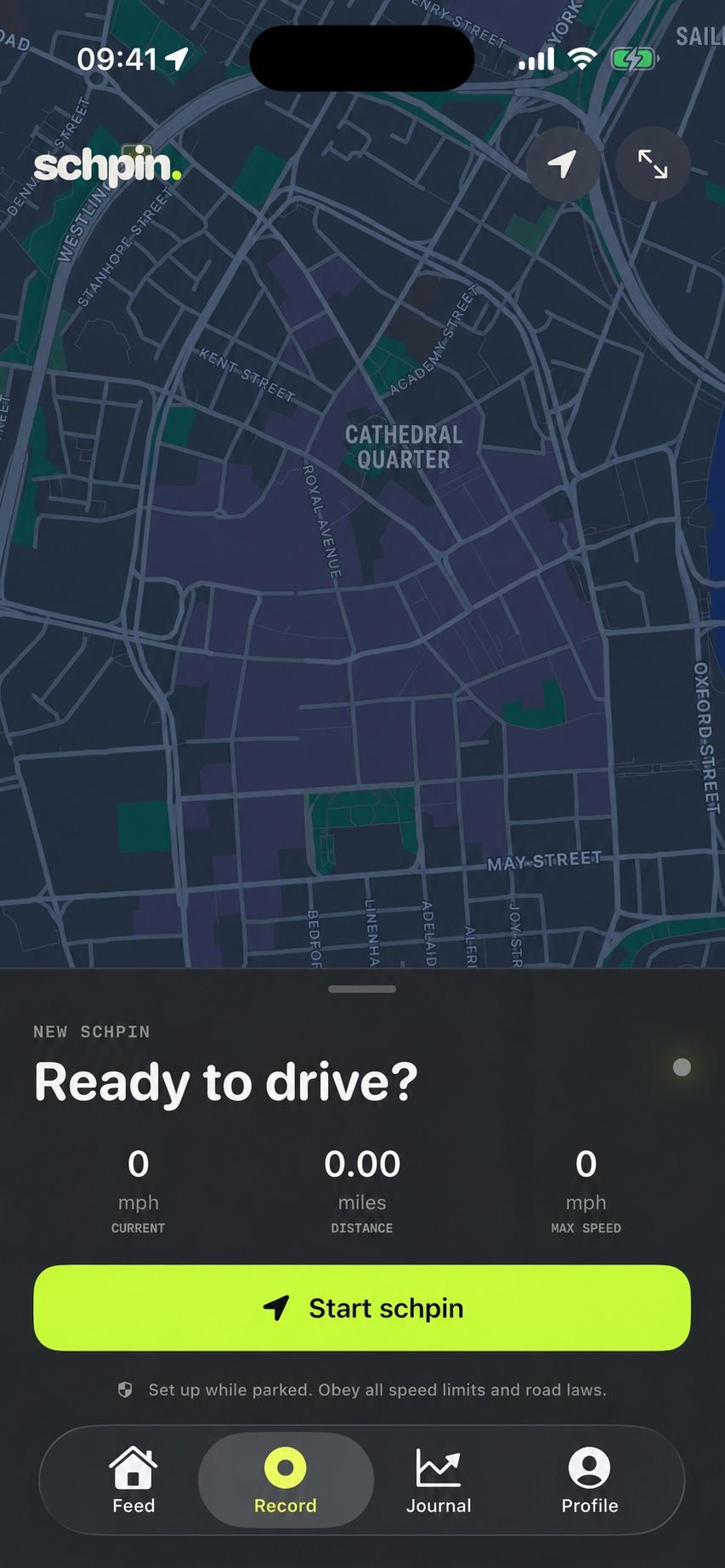
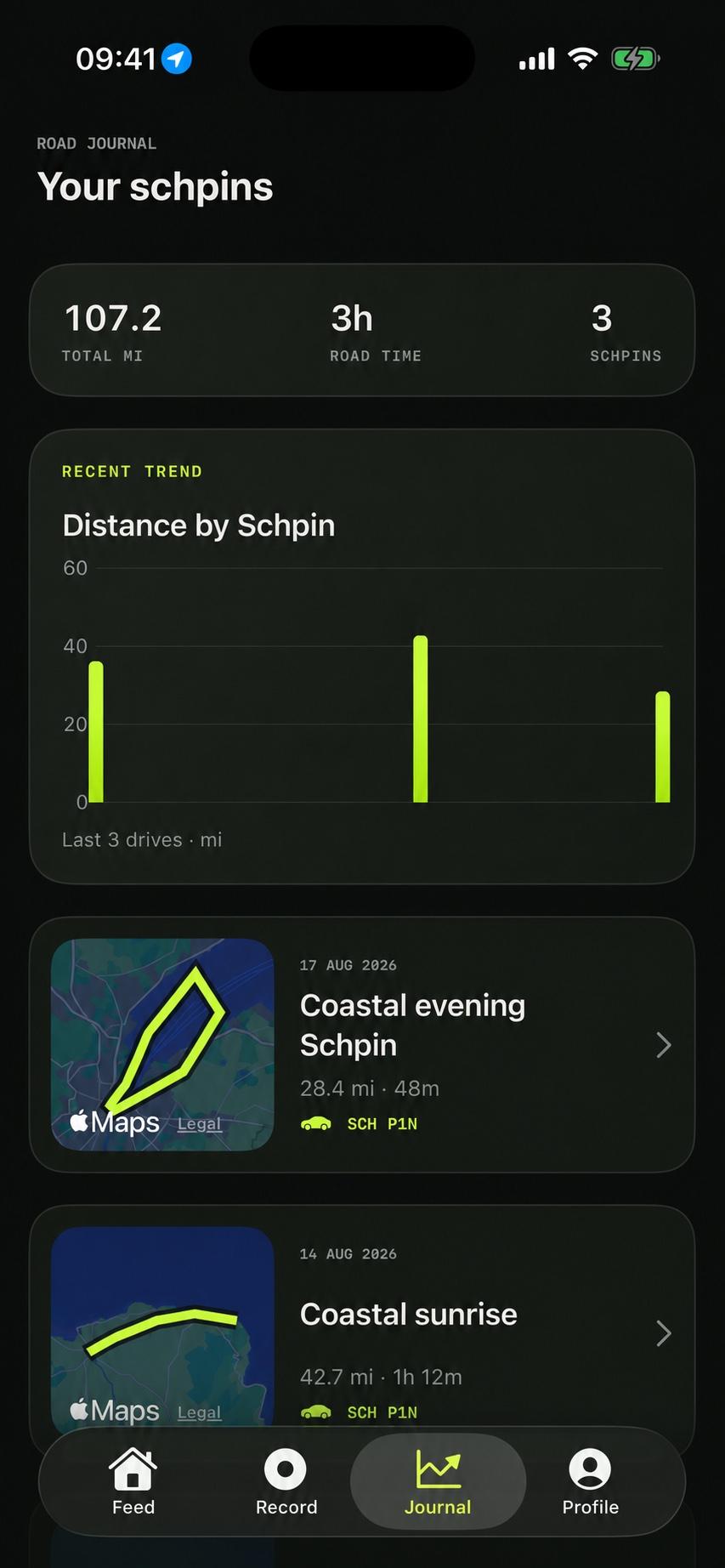
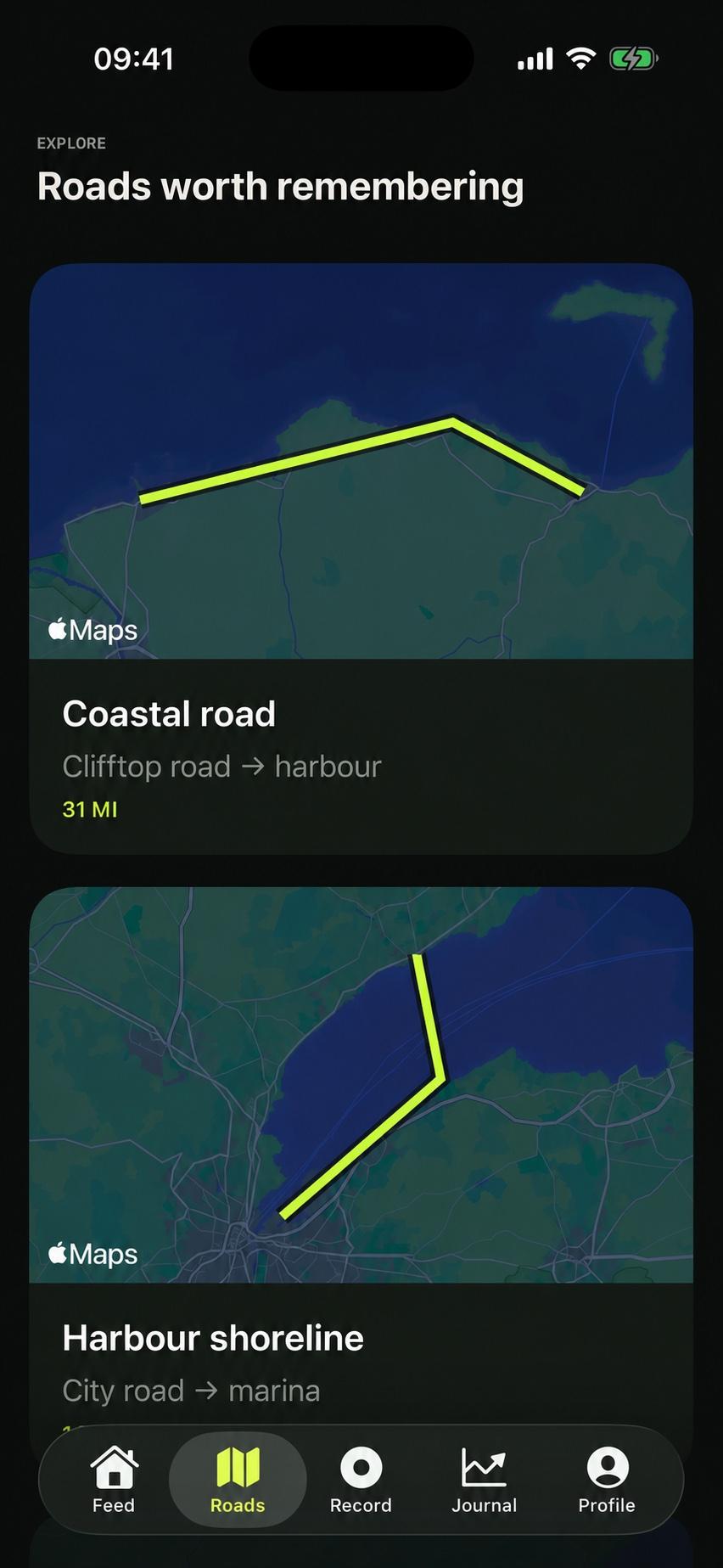
The iPhone experience is where recording, maps, social activity and sharing live.
01 / Record
A dependable drive recorder.
Start a Schpin before you move, then let the native iPhone app record quietly in the background. The live map keeps your position centred, while clear controls make pausing, resuming and finishing deliberate.
Frequent GPS route points
Live distance, time and speed
Pause and resume without splitting the drive
Background recording and recovery after interruption
Only one active Schpin at a time
Automatic idle and non-driving checks
Schpin for iPhone · Record
02 / Remember
Every Schpin becomes a journal entry.
Completed drives become mapped memories you can revisit. Open the full route, pan and zoom around it, rename the drive, add a comment and inspect useful trends without turning public roads into a leaderboard.
Interactive full-route map
Distance, time and average speed
Speed-over-time chart
Speed distribution and stopped-time estimates
Optional relative speed heatmap
Editable title and comment
Delete from both device and account
Schpin for iPhone · Remember
03 / Share
Share the memory, not a competition.
Build a polished route card for Messages, social apps or Photos. Choose which useful metrics appear, keep maximum speed hidden by default and export a transparent route overlay for creative story posts.
Native iOS share sheet
Save finished artwork to Photos
Transparent PNG route overlay
Map-and-metrics composition
Distance, time and average-speed controls
Optional top-speed and vehicle visibility
Optional blue-to-orange-to-red route styling
Schpin for iPhone · Share
04 / Belong
Roads are better with people.
Follow people you know and see their recent Schpins in a focused activity feed. Everyone who shared the car can be attached to the same drive, giving the memory the right people without creating duplicate journeys.
Follower activity feed
Follow and unfollow controls
Upvotes from other members
Up to five people on one Schpin
Drive invitations and completion notifications
Unique public usernames
Privacy and visibility controls
Schpin for iPhone · Belong
Built around real use
The details that make recording dependable.
01
Offline-first recording
A weak connection should not cost you a drive. Active data is held locally and completed Schpins synchronise when the API becomes reachable again.
02
Lock Screen controls
A Live Activity shows the active drive with distance, elapsed time and pause, resume or finish controls. It disappears when no Schpin is active.
03
Units your way
Use miles and mph or kilometres and km/h. The preference changes presentation without rewriting the original GPS samples.
04
Accessibility
Schpin respects iPhone accessibility settings and adds controls for larger interface text, increased contrast and reduced motion.
05
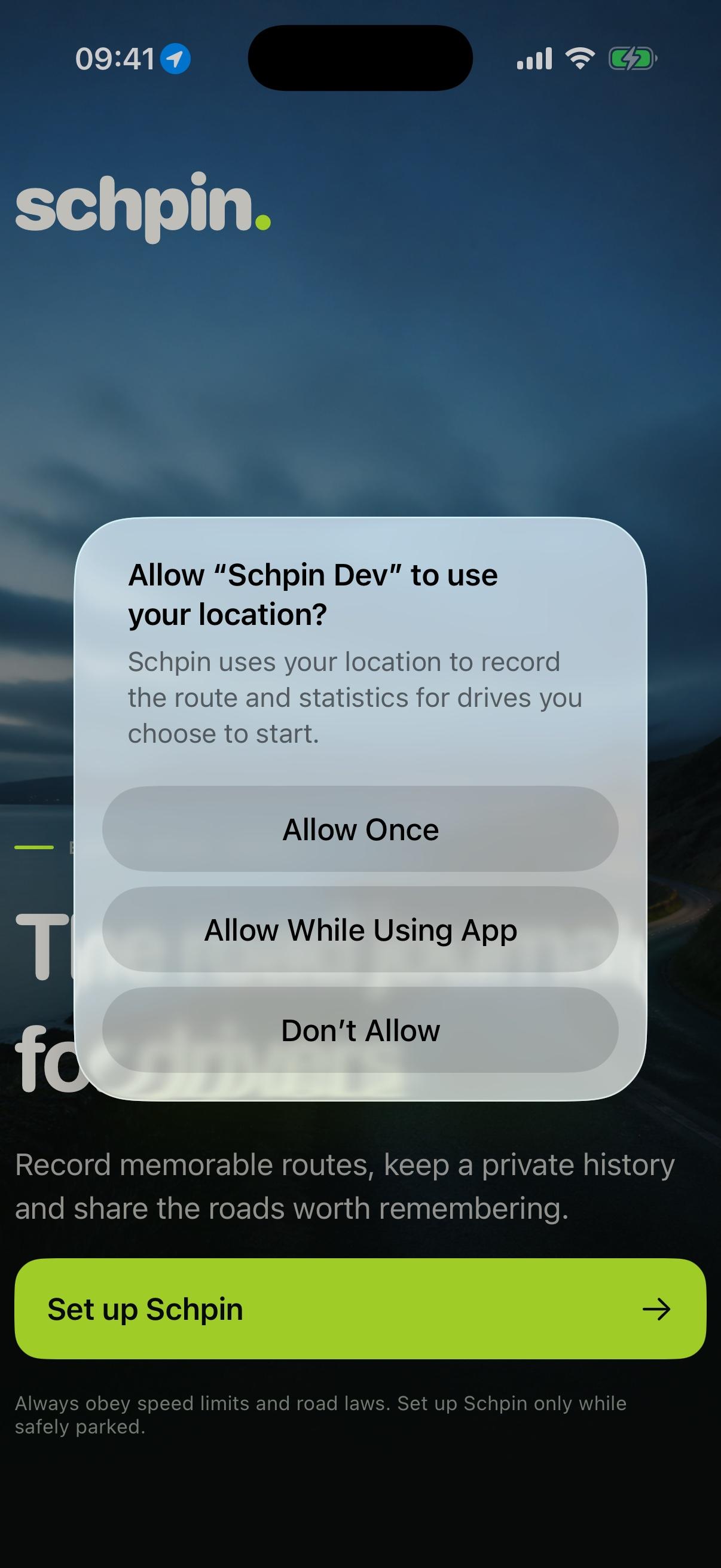
Privacy and security
The app requires an account, offers visibility controls and collects route location only for a Schpin you explicitly start. Pausing stops route-point recording.
Schpin on CarPlay
Useful at a glance. Quiet by design.
CarPlay provides a deliberately focused driving-task interface. It gives you the information and controls needed for a Schpin without moving the social feed, sharing tools or account management onto the dashboard.
Start after accepting the five-second safety reminder
Pause, resume and finish the single active Schpin
See current speed, distance, time, average and top speed
Check GPS quality, recording state and selected vehicle
Browse up to 30 historical drives when appropriate
Open a saved drive’s distance, time and analytical summary
Dashboard data refreshes at a restrained interval
9:41▮▮▮ ◉
SPEED42 mph
DISTANCE18.6 mi
TIME36:24
AVERAGE31 mph
GPSGood
STATUSRecording
CarPlay interface preview · actual layout adapts to the vehicle display
Available on iPhone
Feed, full maps, route editing, charts, sharing, profile and settings.
Focused on CarPlay
Recording controls, glanceable live metrics, GPS state and drive history.
Intentionally excluded
Social interaction, sharing and account configuration while driving.
Designed responsibly
The road always comes first.
Schpin never condones speeding, racing or dangerous driving. Set the app before moving, wear a seat belt, obey every applicable road law and only interact with a device when safely and legally parked.